Lenovo Boot Menu Key: How to Boot from USB
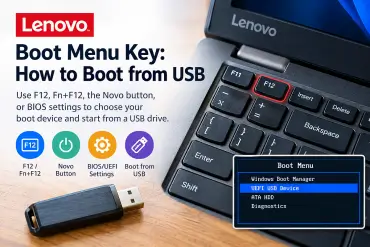
The Lenovo boot menu key is usually F12, allowing you to choose a USB flash drive, external drive, or another boot device without permanently changing your computer's startup settings. Depending on the model, you may need to press Fn + F12, press Enter first, or use the Lenovo Novo button.
This guide explains how to open the Lenovo boot menu, boot from USB, change the boot order in BIOS/UEFI, and troubleshoot a USB drive that does not appear in the startup menu. The instructions cover Lenovo ThinkPad, IdeaPad, Yoga, Legion, ThinkBook, and other Lenovo computers, although exact keys and menu options vary by model.