How to Fix IRQL_NOT_LESS_OR_EQUAL (0x0000000A) Windows BSOD Error?
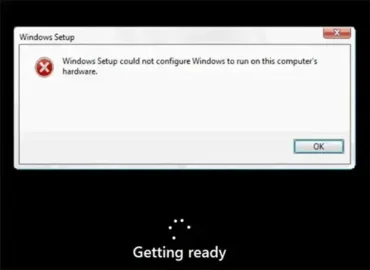
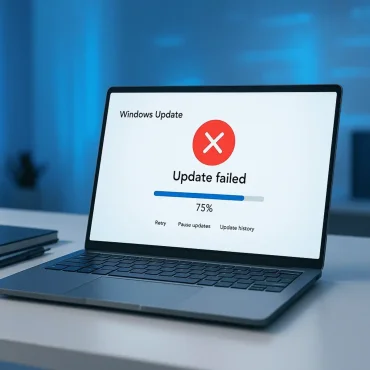
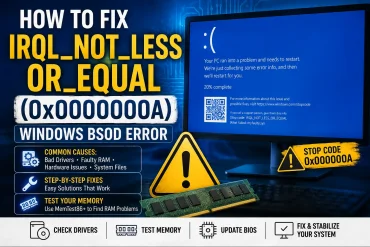
A Stop 0x0000000A error, also known as IRQL_NOT_LESS_OR_EQUAL, is a Windows blue screen error that can occur during normal use, Windows installation or upgrade, startup, or after installing new hardware, drivers, firmware, or system software. The error can be frustrating because Windows may suddenly stop and restart without giving you much information about what went wrong. However, the 0x0000000A stop code provides an important clue: Windows or a kernel mode driver attempted to access memory incorrectly while operating at an interrupt request level (IRQL) where that memory access was not permitted.
In many cases, the problem is caused by a faulty, incompatible, or outdated device driver. It can also be triggered by system software, BIOS or firmware problems, recently installed hardware, or, in some cases, defective memory or other hardware.