
To clean a laptop screen safely, start with the device manufacturer's care instructions. Screen coatings vary, so a cleaner that is safe for one display may damage another. I share the screen-cleaning habits I use, including using a soft, clean microfiber cloth, avoiding excess moisture, and never spraying liquid directly onto the display.
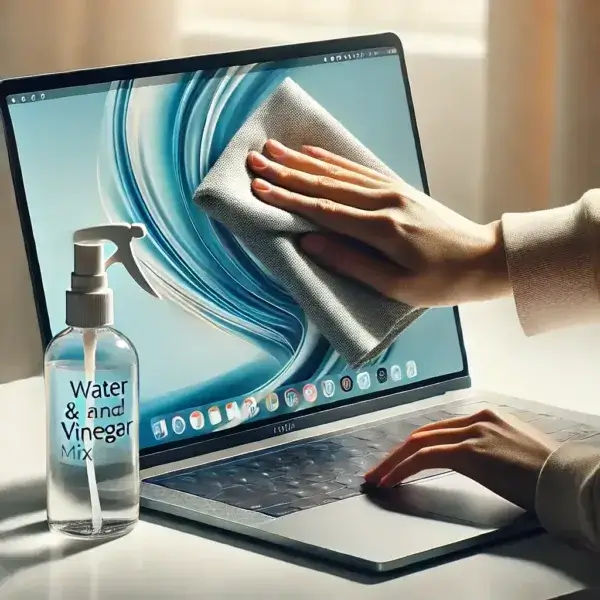
Chemicals to Use to Clean a Laptop Screen
AVOID UNLESS APPROVED: Alcohol-based cleaners not approved by the display manufacturer
Some manufacturers permit specific alcohol solutions for certain displays, while others warn against them. Because screen coatings vary, do not assume alcohol is safe; follow the cleaning instructions for your exact laptop or monitor model.
AVOID UNLESS APPROVED: Ammonia-based glass cleaners not approved for your display
Ammonia-based glass cleaners can damage some display coatings. Avoid them unless the manufacturer specifically lists that product as safe for your screen.
DO USE: A clean, dry microfiber cloth; water only when the manufacturer allows it
DO USE: Only a cleaner approved for your specific display
If the manufacturer permits damp cleaning, lightly moisten a clean microfiber cloth with the approved liquid. Do not assume vinegar, alcohol, or a household glass cleaner is safe for every screen.
Tip: Eyeglass-cleaning products are not automatically safe for laptop screens. Check the display manufacturer's instructions before using any pre-moistened wipe or cleaning solution.
Fabrics to Use to Clean a Laptop Screen
DO NOT USE: Newspaper, tissue paper, or toilet paper
These materials contain wood fibers that can easily scratch the screen surface.
DO USE: Microfiber cloths
Microfiber cloths are safe for use on laptop and LCD screens. They are often included with new laptops or can be found in eyeglass cleaning kits.
Safe and effective Laptop Screen Cleaning
How to Clean a Laptop Screen or Monitor
The best way to clean a laptop screen: follow these steps to easily clean your laptop screen:
- Obtain a clean microfiber cloth.
- Gently wipe the screen surface with the microfiber cloth to remove dust.
- Check the laptop or monitor manufacturer's cleaning instructions before choosing a liquid or screen cleaner.
- If the instructions allow damp cleaning, lightly moisten the microfiber cloth with the approved liquid. Never spray liquid directly onto the screen, and keep moisture away from openings.
- Using the dampened microfiber cloth, gently wipe the screen surface. Move the cloth in a circular motion to remove spots or splatter marks, and follow the grain of any streaks to eliminate them.
In conclusion: That's how I safely and effectively clean my laptop and monitor screens. By avoiding harsh chemicals and using gentle cleaning solutions with a microfiber cloth, you can keep your screens clear and free of damage. Regular maintenance will help ensure your display remains in top condition, enhancing both the longevity and visual clarity of your device.