Computer Slow Down Issues And Solutions
If you find yourself getting frustrated and annoyed at your slow computer, you are not alone. Most PC owners are likely to face problems sooner or later. Often within a few months of buying a PC, you may notice that it is not performing like new. Unfortunately, most of the time no action is taken until your PC becomes frustratingly slow and leads to a major loss in productivity.
While some of the slowing down of your computer can be attributed to the burden on its resources, most of the time, computer slowdowns are just symptoms of some other underlying issue. When faced with this problem, your first instinct may be to call up a computer expert to help you resolve it, however, there is no need to escalate the issue and you can take care of most PC problems if you cover a few things on your end.
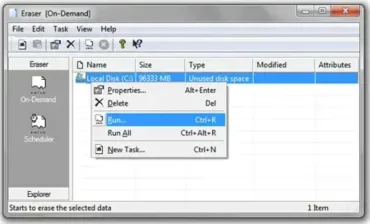
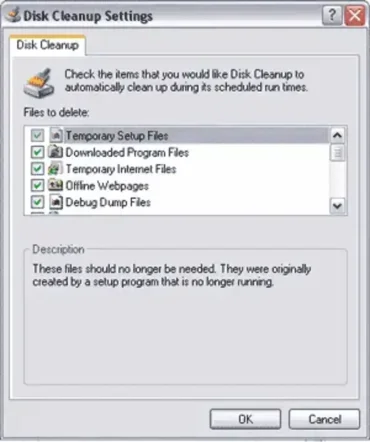
- Clean and Defrag your Hard Drive: Your hard disk starts getting cluttered from the day you start working on a new computer as all kinds of data gets continuously added and deleted from it. After a while, it may be difficult to find anything on your hard disk. This situation can be avoided by using the Disk Cleanup and Disk Defragmenter tools. While the former will help you get rid of unnecessary clutter, the latter will help you reorganize the files in your hard disk to make them faster to access. These are system tools provided by your operating system and they go a long way in making your system fast.
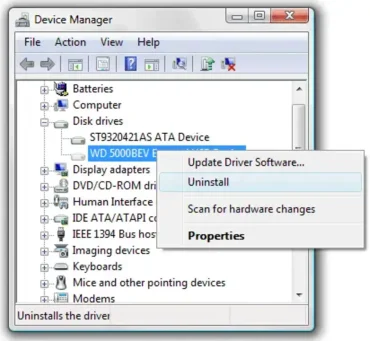
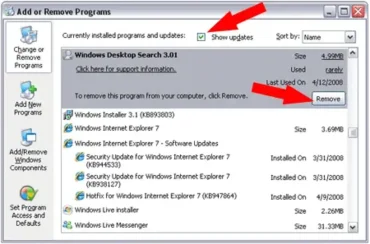
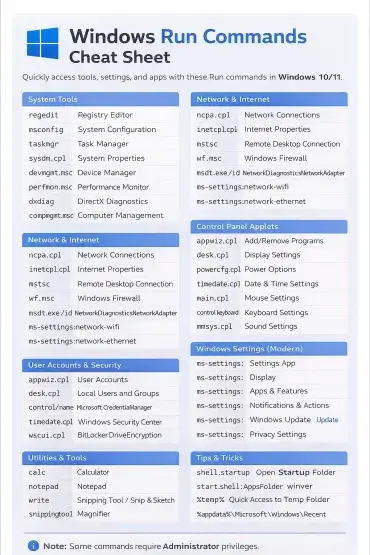
- Select Programs Carefully: It is easy to get carried away and install many new and exciting applications on your computer. The flip side of this is that every time you do that you put an additional burden on your computer. Also, each of these applications bring along their own specific bugs and errors. For example, installing Norton security suite makes you vulnerable to ccsvchst.exe high CPU usage problems—especially if you fail to update the software on a regular basis. So, you must be judicious in installing applications on your PC and must get rid of unwanted ones immediately. You can use the Add/Remove Programs utility available in your Control Panel to achieve this. If the software is large or if there are some problems with the un-installation process, you may use a good, third-party program uninstaller tool to do the job.
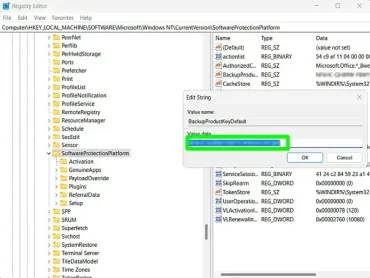
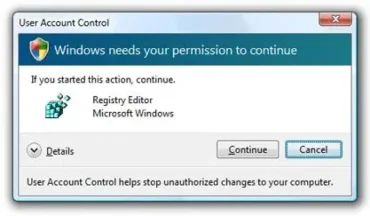
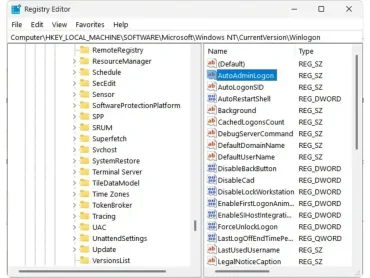
- Maintain a Healthy Registry: It has been observed that slow computers tend to have bloated and cluttered windows registries. In addition to the bad performance of your PC, an unhealthy registry is known to cause numerous registry errors and disrupt your work. Therefore, you must maintain a healthy windows registry. This can be achieved either by manually editing your registry or by simply downloading a popular registry cleaner from the Internet. You must opt for manual editing of the registry only if you are sure of what you are looking for, otherwise, you should delegate this task to a registry cleaner that will clean your registry in just a few minutes.