
Wondering how to block an IP Address from accessing your Website? Blocking an IP address is one way to prevent a specific visitor, bot, or group of users from accessing your site. This is commonly used to stop abusive behavior, repeated spam attempts, scraping, or malicious traffic.
IP blocking works at the server level. When a blocked address attempts to connect, the server denies the request before WordPress or your site code ever runs.
It is important to use this carefully. Many ISPs rotate addresses, and large providers share IP ranges. Blocking a single address can sometimes affect multiple people who are not your intended target.
Your IP Has Been Temporarily Blocked
IP blocking should generally be a last resort. Firewalls, rate limiting, and application-level protections are often safer. When you need a hard stop, however, server rules are fast and effective.
Blocking an IP on Apache Using .htaccess
This method works on Apache based servers and most shared hosting plans.
- Open your existing .htaccess file, or create one if it does not exist.
- Add the following lines:
order allow,deny
deny from 100.200.300.4
allow from all
Replace 100.200.300.4 with the IP address you want to block.
- Save the file.
- Upload it to your site root or the directory you want to protect.
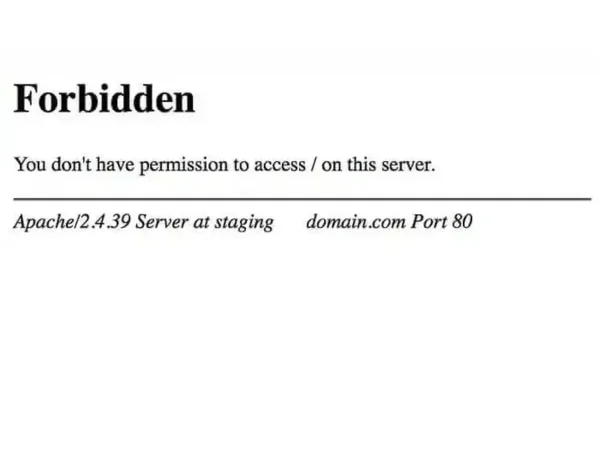
That address will now receive a 403 Forbidden response.
Blocking Multiple IP Addresses (Apache)
To block more than one address, repeat the deny from line:
order allow,deny
deny from 100.200.300.4
deny from 200.300.400.5
deny from 300.400.500.6
allow from all
Blocking an IP Range (Apache)
To block a range, remove the last octet:
order allow,deny
deny from 100.200.300.
allow from all
This blocks every address from 100.200.300.0 through 100.200.300.255.
Blocking an IP on Nginx
Nginx does not use .htaccess. IP rules are defined in the server configuration.
Inside your server block, add:
deny 100.200.300.4;
allow all;
To block multiple addresses:
deny 100.200.300.4;
deny 200.300.400.5;
deny 300.400.500.6;
allow all;
To block a range:
deny 100.200.300.0/24;
allow all;
After saving the file, reload Nginx:
sudo nginx -s reload
Best Practices
- Confirm the IP before blocking
- Log abusive activity when possible
- Prefer firewalls or rate limiting for bots
- Avoid blocking large ISP ranges
- Review blocks periodically
IP blocking is blunt but effective. When used carefully, it provides immediate relief from abusive traffic without plugins or application overhead.
Whether you are on Apache or Nginx, a single rule can draw a hard line at your door.