
Ever wondered how to show visitors IP address on your Website? Sometimes you want visitors to immediately see their public IP address. This is useful for support pages, VPN guides, firewall setup instructions, or simple "What's my IP?" tools.
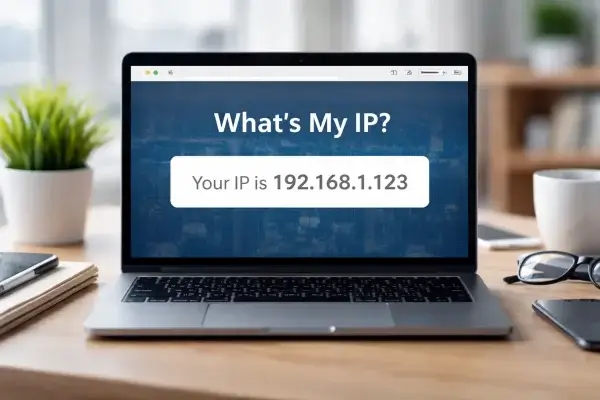
This tutorial shows how to display a visitor’s IP address anywhere on your site using a small PHP script. The script dynamically generates an image containing the visitor’s IP, which means it can be embedded anywhere an image can be used, including sidebars, widgets, posts, and templates.
This method works in WordPress, static HTML pages, and most PHP based sites.
How to Show a Visitor's IP Address
We will create a tiny PHP file that detects the visitor’s IP address and renders it as an image.
- Create a new text file on your desktop named getmyip.txt.
- Paste the following code into that file:
<?php
function getVisitorIP() {
    $keys = [
        'HTTP_CF_CONNECTING_IP',
        'HTTP_X_REAL_IP',
        'HTTP_X_FORWARDED_FOR',
        'HTTP_CLIENT_IP',
        'REMOTE_ADDR'
    ];

    foreach ($keys as $key) {
        if (!empty($_SERVER[$key])) {
            $ip = trim(explode(',', $_SERVER[$key])[0]);
            if (filter_var($ip, FILTER_VALIDATE_IP)) {
                return $ip;
            }
        }
    }

    return 'Unknown';
}

$ip = getVisitorIP();
$text = "Your IP is " . $ip;

$width = 360;
$height = 22;

$img = imagecreate($width, $height);
$background = imagecolorallocate($img, 255, 255, 255);
$textcolor = imagecolorallocate($img, 0, 0, 0);

imagefill($img, 0, 0, $background);
imagestring($img, 3, 5, 4, $text, $textcolor);

header("Content-Type: image/png");
imagepng($img);
imagedestroy($img);
?>- Rename the file from getmyip.txt to getmyip.php.
- Upload getmyip.php to the root directory of your website.
- Open the WordPress admin area and choose where you want the IP to appear, such as a post, page, or sidebar widget.
- Insert the following HTML, replacing the domain with your own:
<img src="https://yoursite.com/getmyip.php" alt="Your IP Address">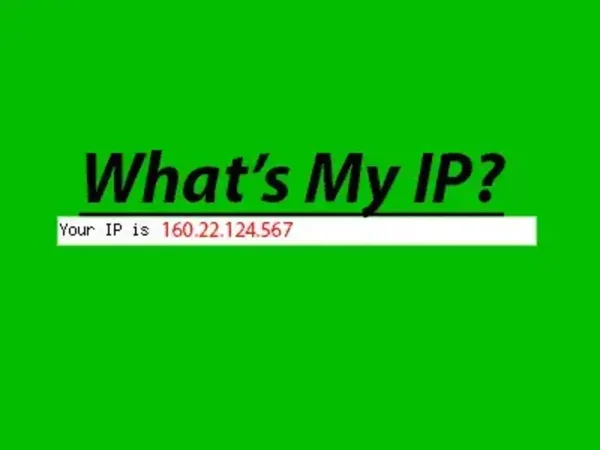
Customizing the Output
You can adjust the appearance directly in the PHP file:
- Change text color by editing the RGB values in
imagecolorallocate - Change the background color the same way
- Adjust font size by modifying the
imagestringfont number - Increase width if IPv6 addresses appear truncated
For example, this line controls text size and placement:
imagestring($img, 3, 5, 4, $text, $textcolor);Raising the second parameter increases the font size.
Privacy and Use Cases
Only display IP addresses when there is a clear benefit to the visitor. This technique is commonly used on:
- VPN setup pages
- Firewall or router configuration guides
- Support tools
- "What's my IP?" utility pages
Very handy for any page where the visitor needs to quickly have reference to their ip address.
The script does not log or store anything. It simply reflects what the server already sees. That's it. Your visitors now have an instant answer to the question:
So, What's my IP?
Simple, fast, and surprisingly useful.